Cisco Switch Virtualization
With STP we have redundant links but we do not have them all in forwarding state. We do not even have redundancy in the Access layer.
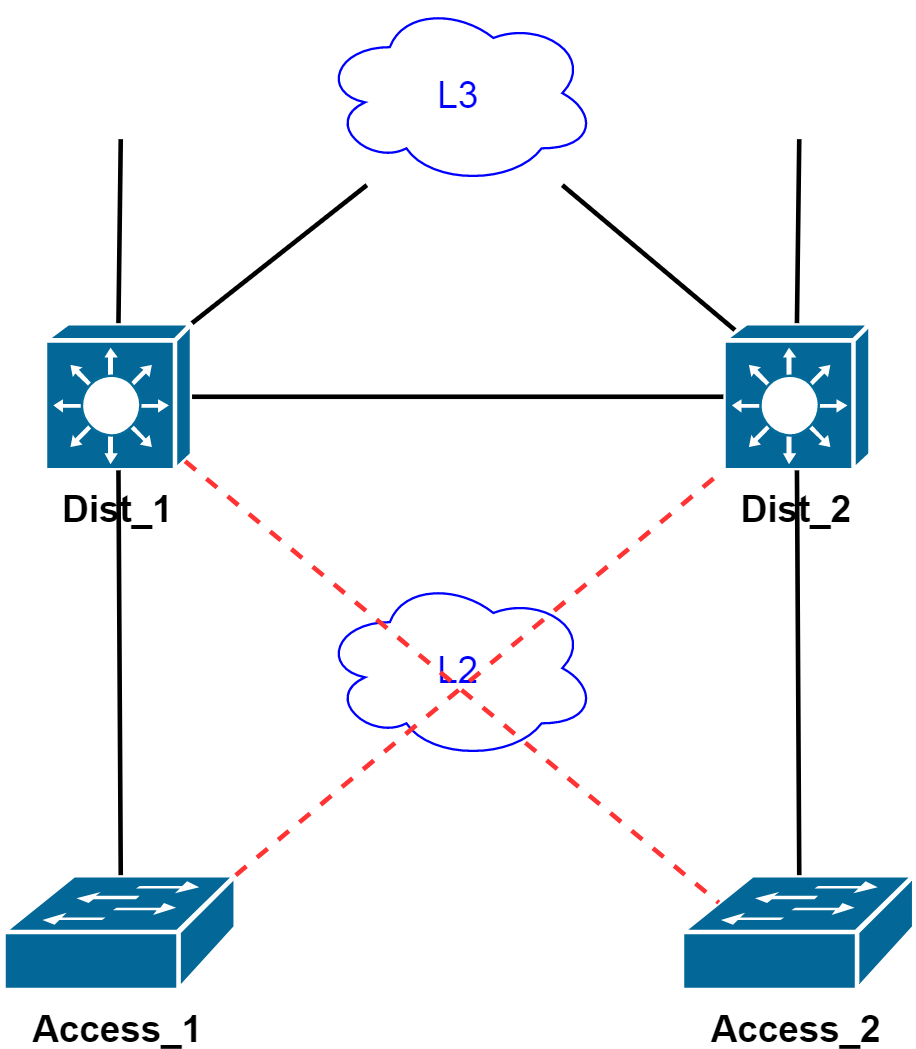
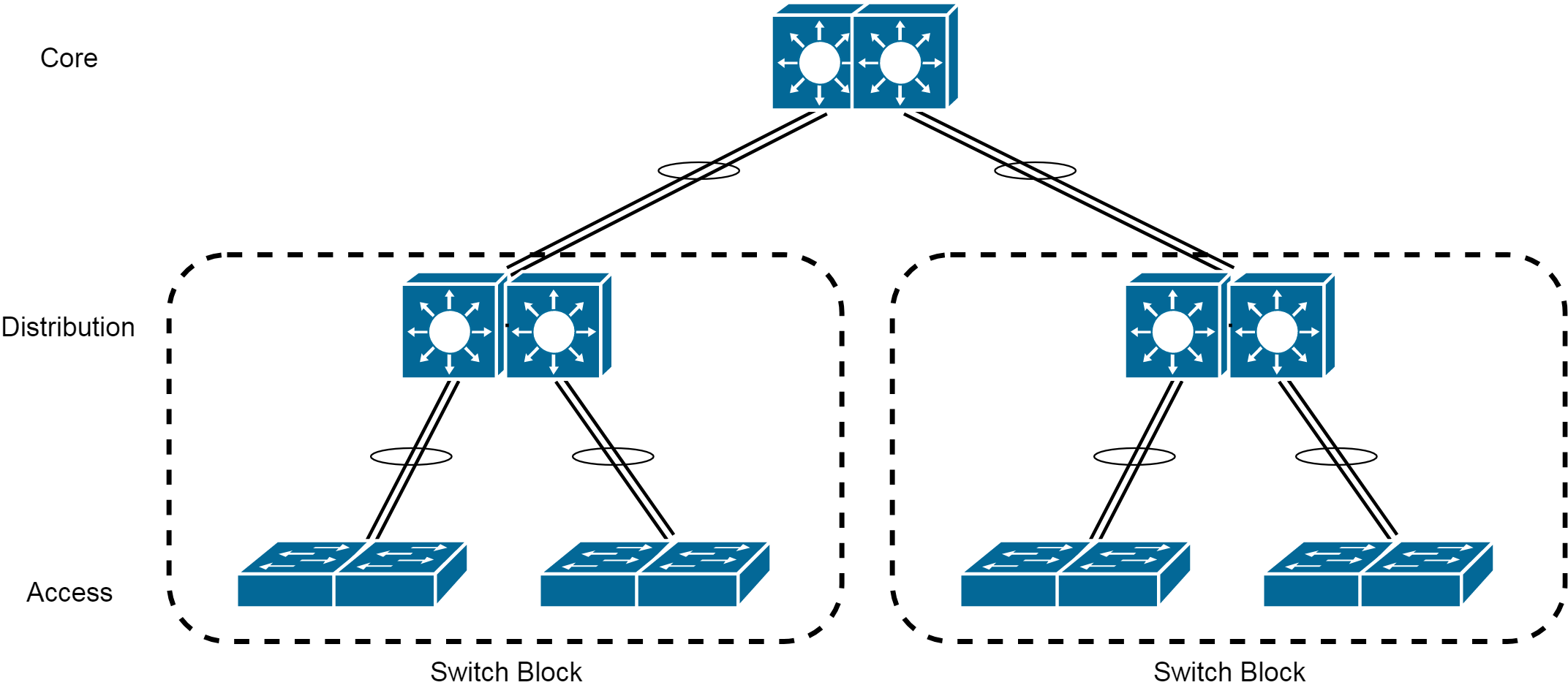
One way of solving this problem is to create a logical switch which is made up of two or more physical switches:
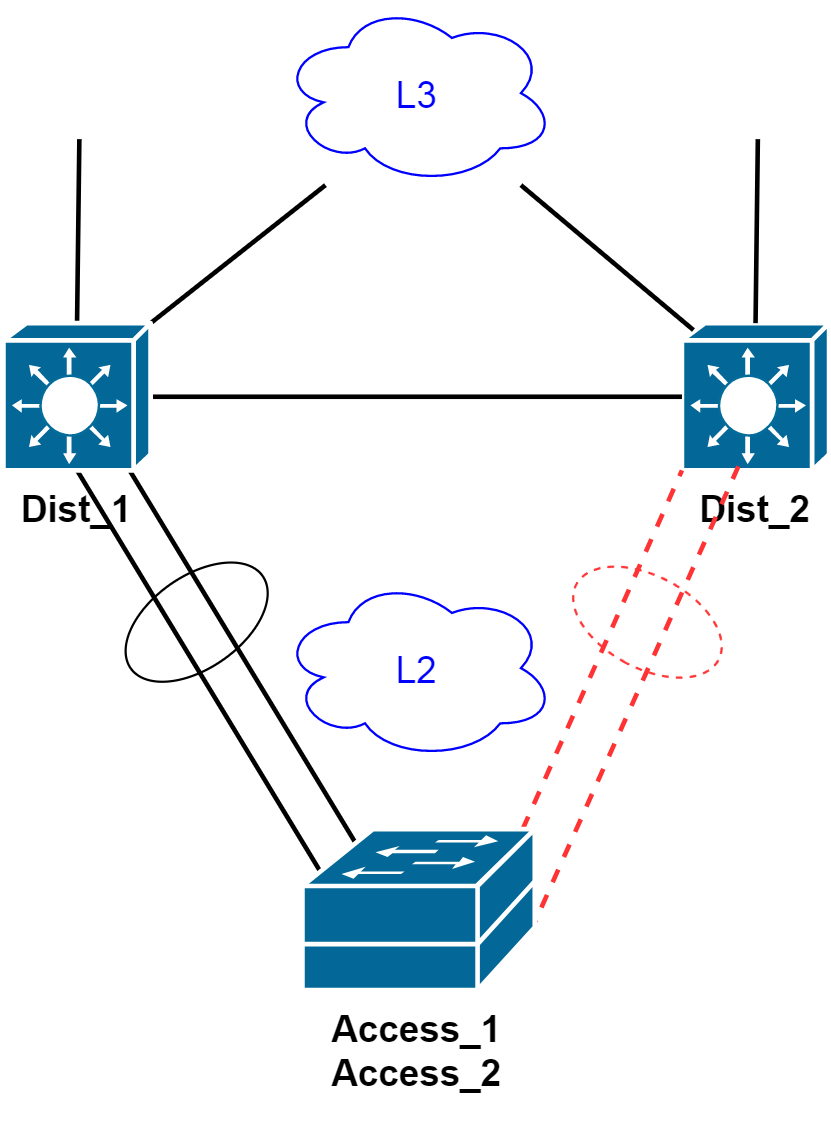
We can do the same thing in the distribution layer. You can guess the illustration.
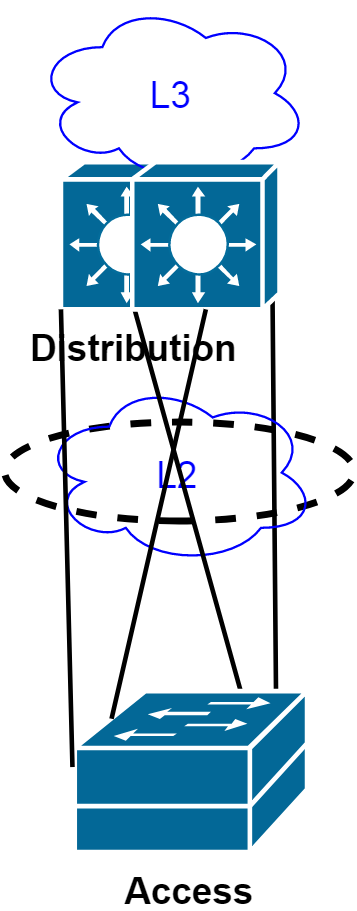
The four links between the switch pairs can be combined into a single etherchannel since we have a single link between the two logical switches. This is called Multi-Chassis Etherchannel.
Before and after combining multiple switches
Before
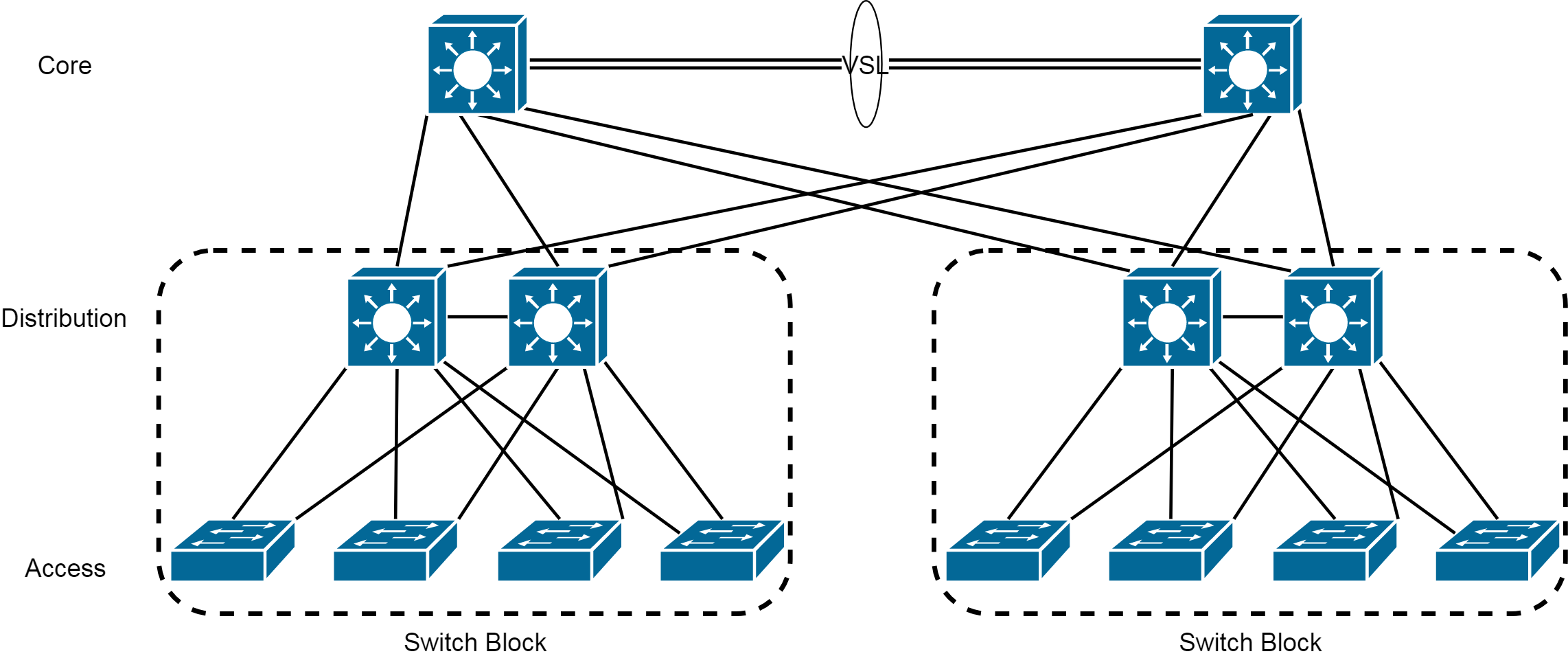
After
Cisco StackWise
Cisco Stackwise allows us to turn multiple physical switches (up to 9 switches) into a single logical switch. One switch becomes master and others become members. If master fails, another member becomes the master.
Election process to choose the master
- User priority:
SW1(config)#switch 1 priority <1-15> - Hardware/Software priority (for example IP Service vs IP Base)
- Default configuration: The switch which has already the configuration
- Longest uptime
- Lowest MAC address
Verification
SW1#show switch
SW1#show switch stack-ports
SW1#show switch stack-ring speed
SW3#show cdp neighbors
SW3 is another switch which is connected to our stack
Notes
- When a switch is added to a stack, the SDM template on the master will override the SDM template on the new switch